
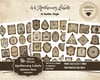

Apothecary Labels Vol. I Ephemera Sheet, Part of Lily’s Cabinet of Curiosities, Mochi Vintage
Welcome to **Lily's Cabinet of Curiosities** — a growing collection of whimsical, gothic-inspired treasures for journal makers, crafters, and lovers of all things magical.
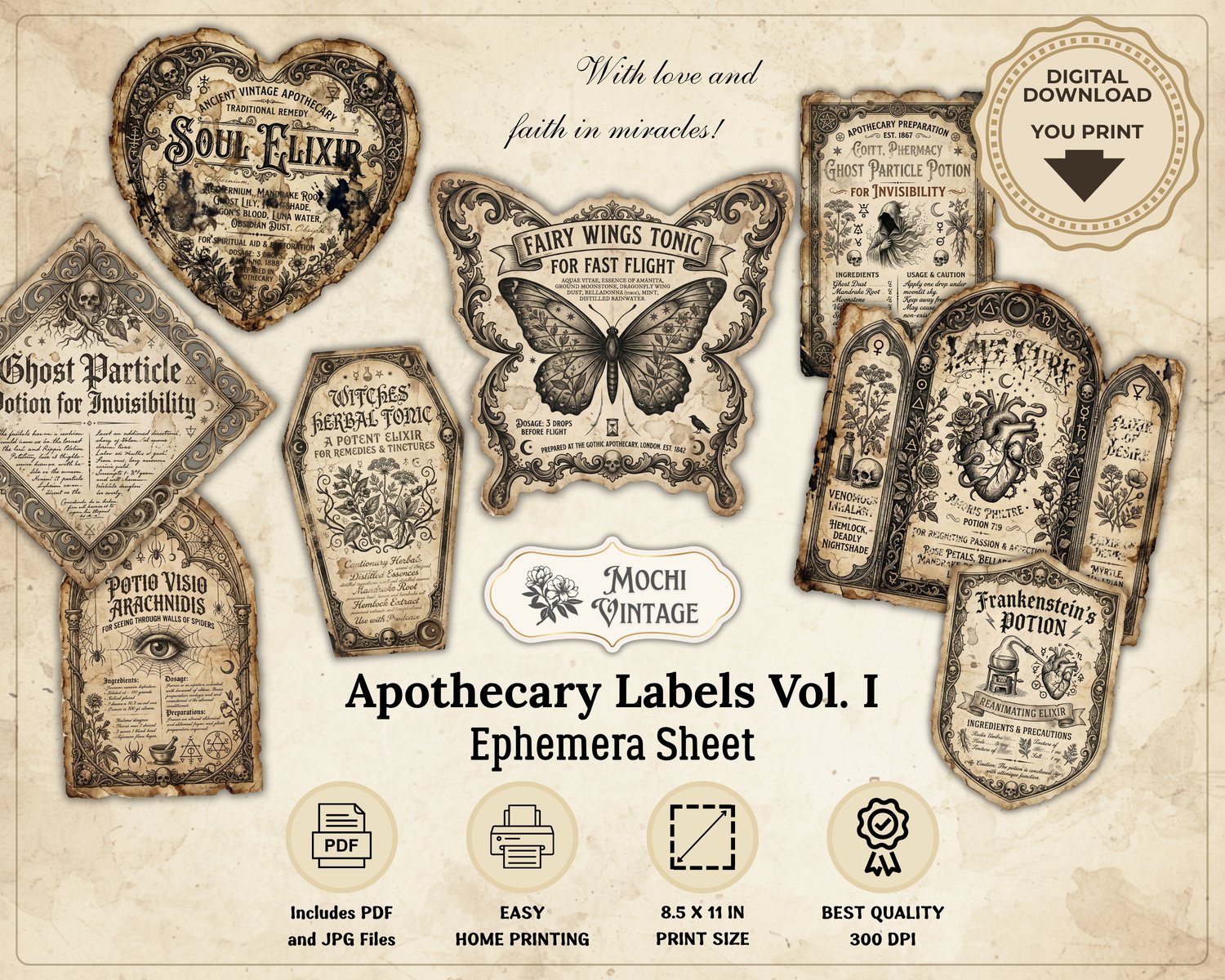
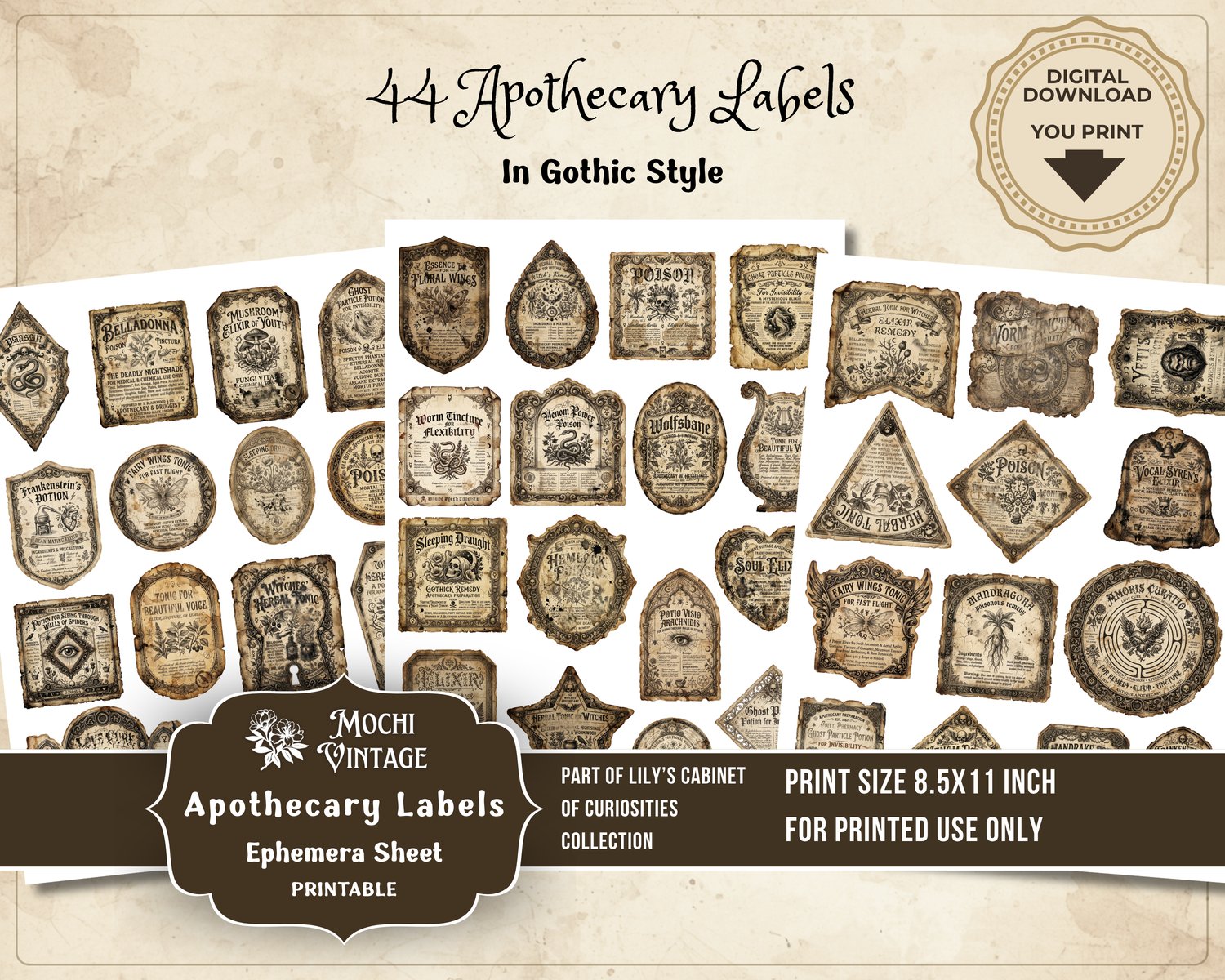
**Apothecary Labels Vol. I** is the first volume in this expanding series and features a delightful assortment of 44 vintage-style apothecary labels inspired by mysterious potions, curious elixirs, and enchanting remedies. Inside, you'll discover labels for all sorts of imaginative concoctions — from tonics for a beautiful singing voice and elixirs that reveal hidden secrets to remedies for the chronically bald and other delightfully peculiar ailments.
Designed with a vintage gothic aesthetic, these labels are perfect for junk journals, Book of Shadows pages, scrapbooking, potion bottles, Halloween crafts, mixed media projects, and magical ephemera collections.
🌺🧹🧙♀️This set includes:
• 3 JPG sheets (8.5 × 11 inches, 300 DPI)
• 44 labels for easy printing
• 1 PDF file for quick printing
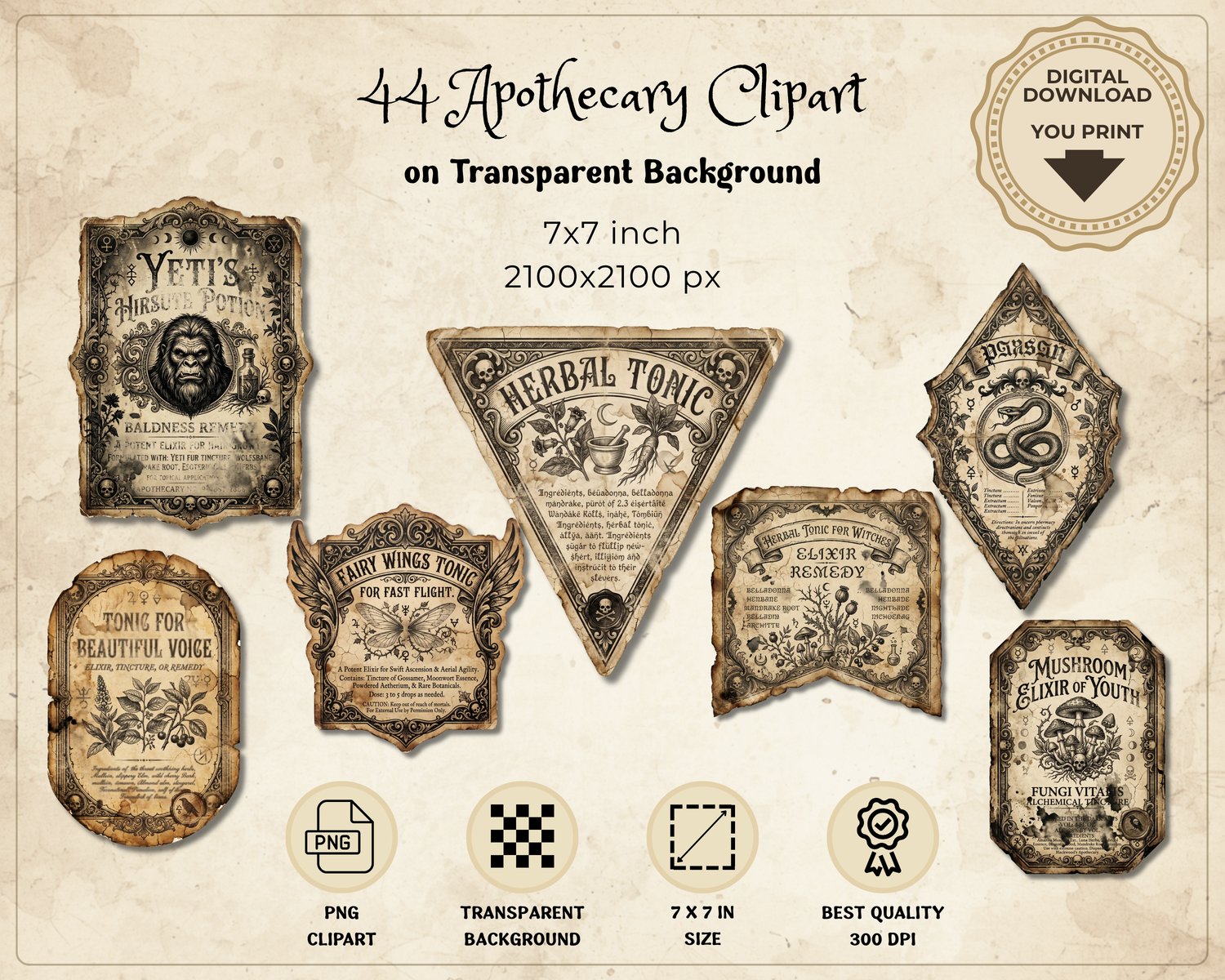
• 44 individual PNG files with transparent backgrounds
• Each PNG provided on a 7 × 7 inch canvas for maximum flexibility
As the first volume in **Lily's Cabinet of Curiosities**, this collection lays the foundation for a growing library of gothic, witchy, and apothecary-inspired elements that can be mixed and matched across future releases, helping you build a rich and immersive collection over time.
Please note: This is a digital download. No physical item will be shipped.
🦄 Need Help?
If you have any questions about your purchase, feel free to get in touch.
We're happy to help.
© Original Creative Design by Mochi Vintage
💡 How to Open ZIP Files
.: For Windows
Download the ZIP file to your computer.
Right-click the ZIP file.
Select "Extract All...".
Choose a destination folder and click "Extract".
Your files will be ready to use in the extracted folder.
.: For iPhone & iPad (iOS)
Download the ZIP file to the Files app.
Open the Files app and locate the downloaded ZIP file.
Tap the ZIP file once.
iOS will automatically create a new folder containing all extracted files.
Open the folder to access your files.