






Charming Cherry Season Mini Journal Pages
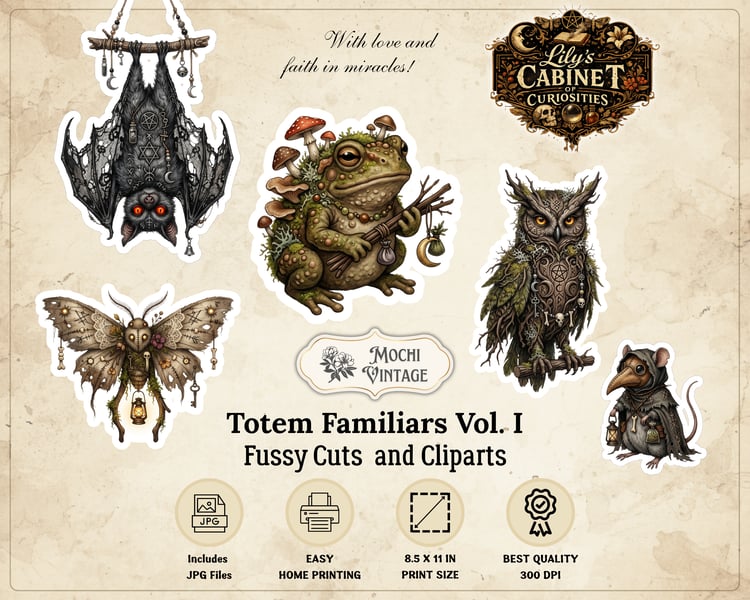
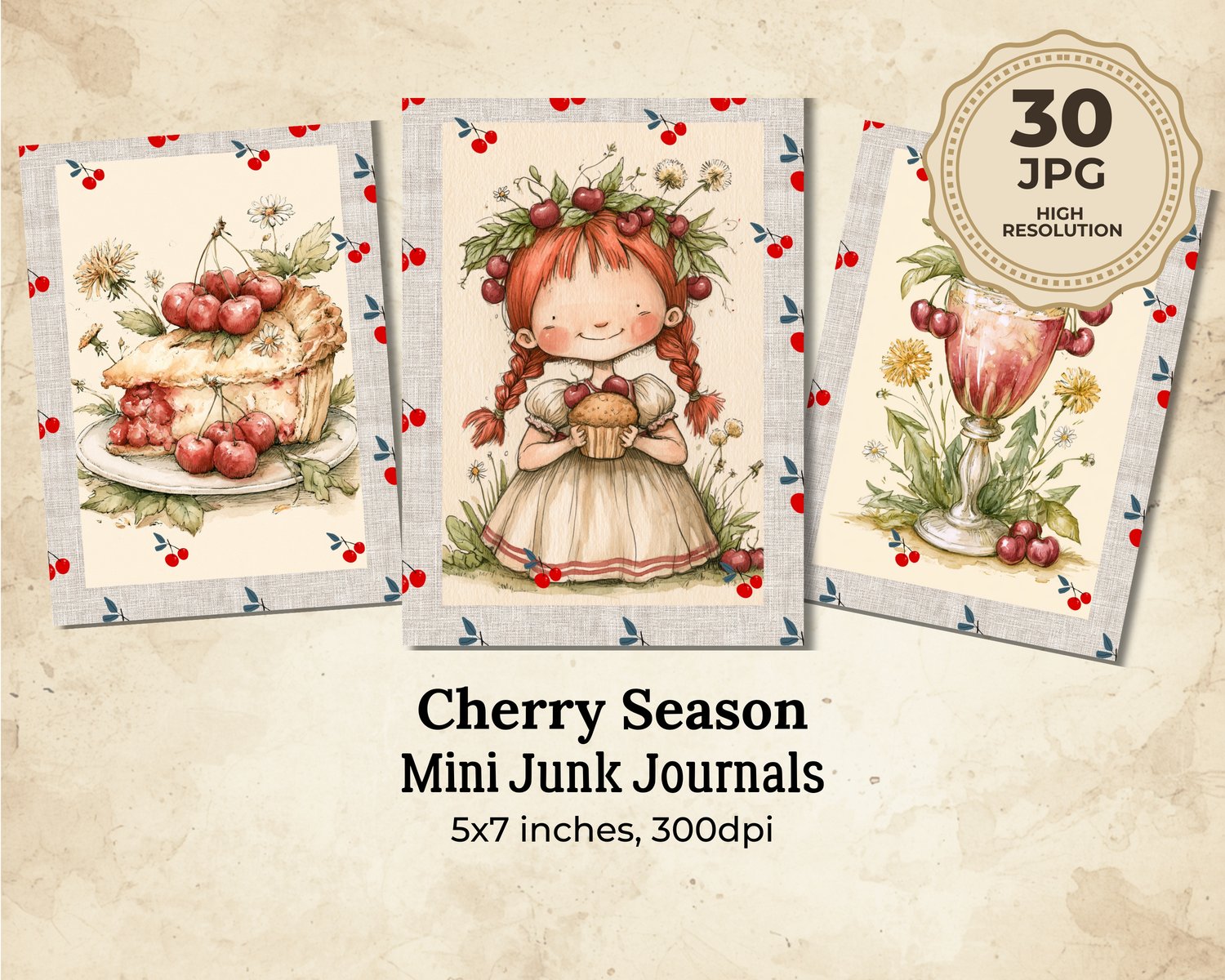
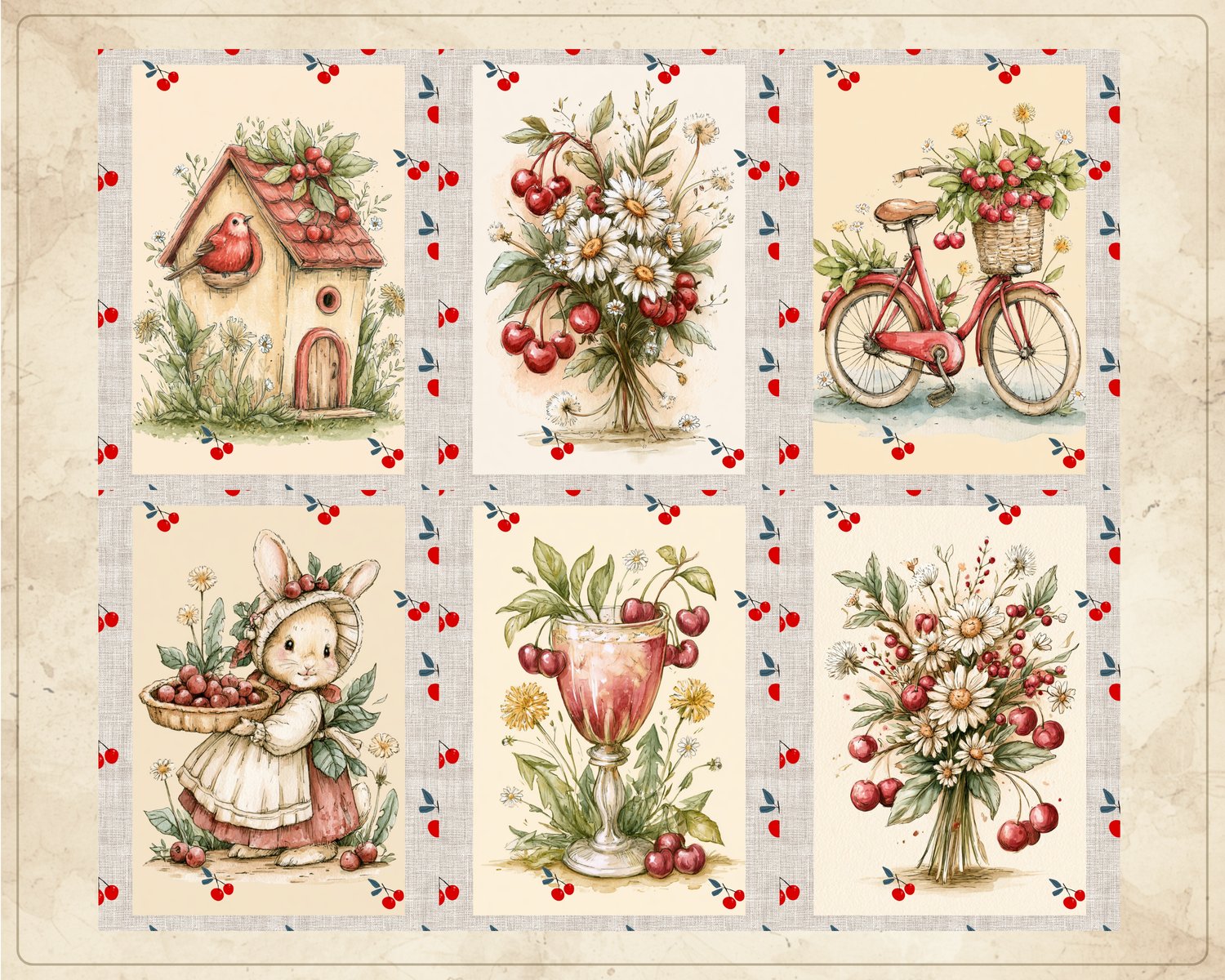
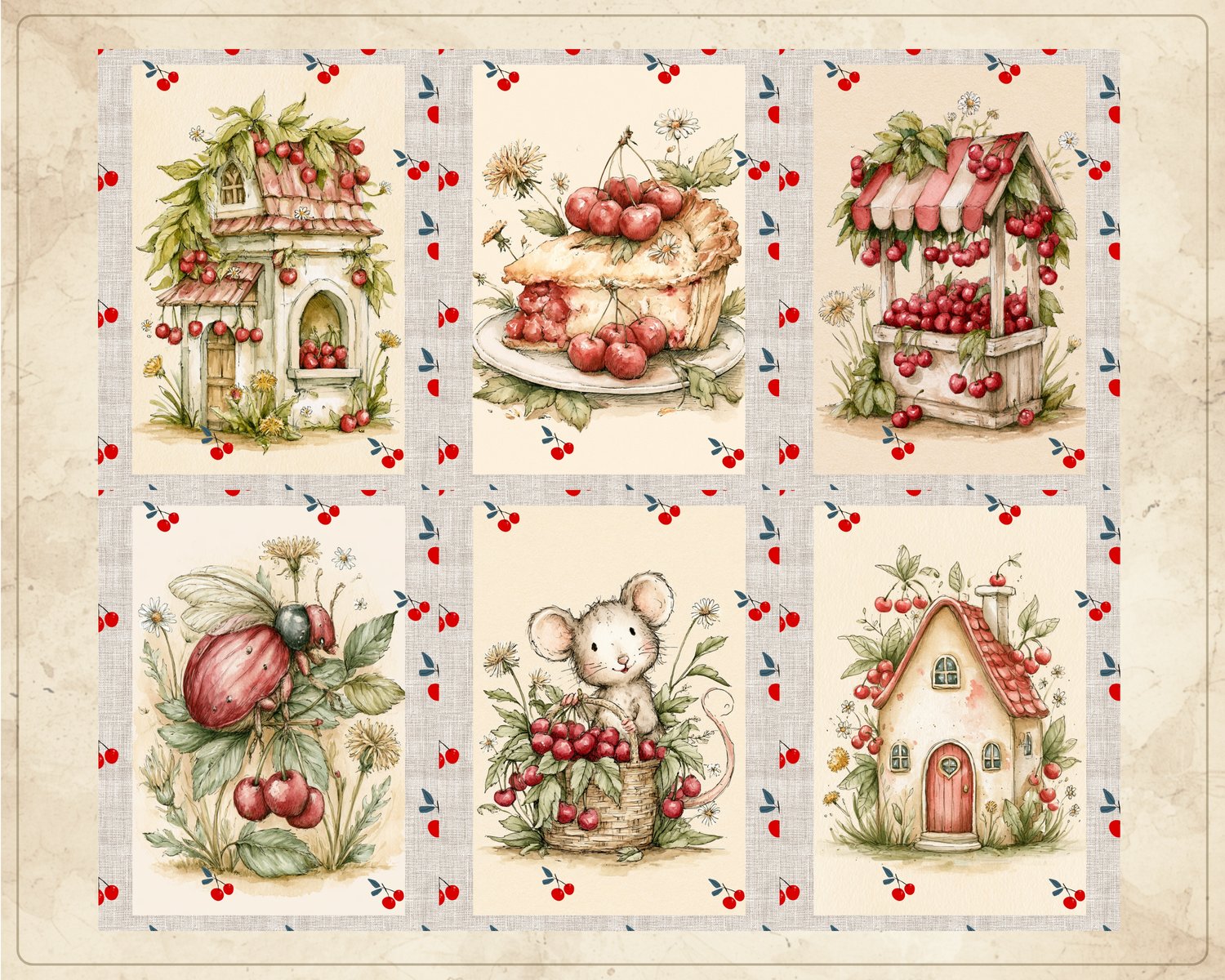
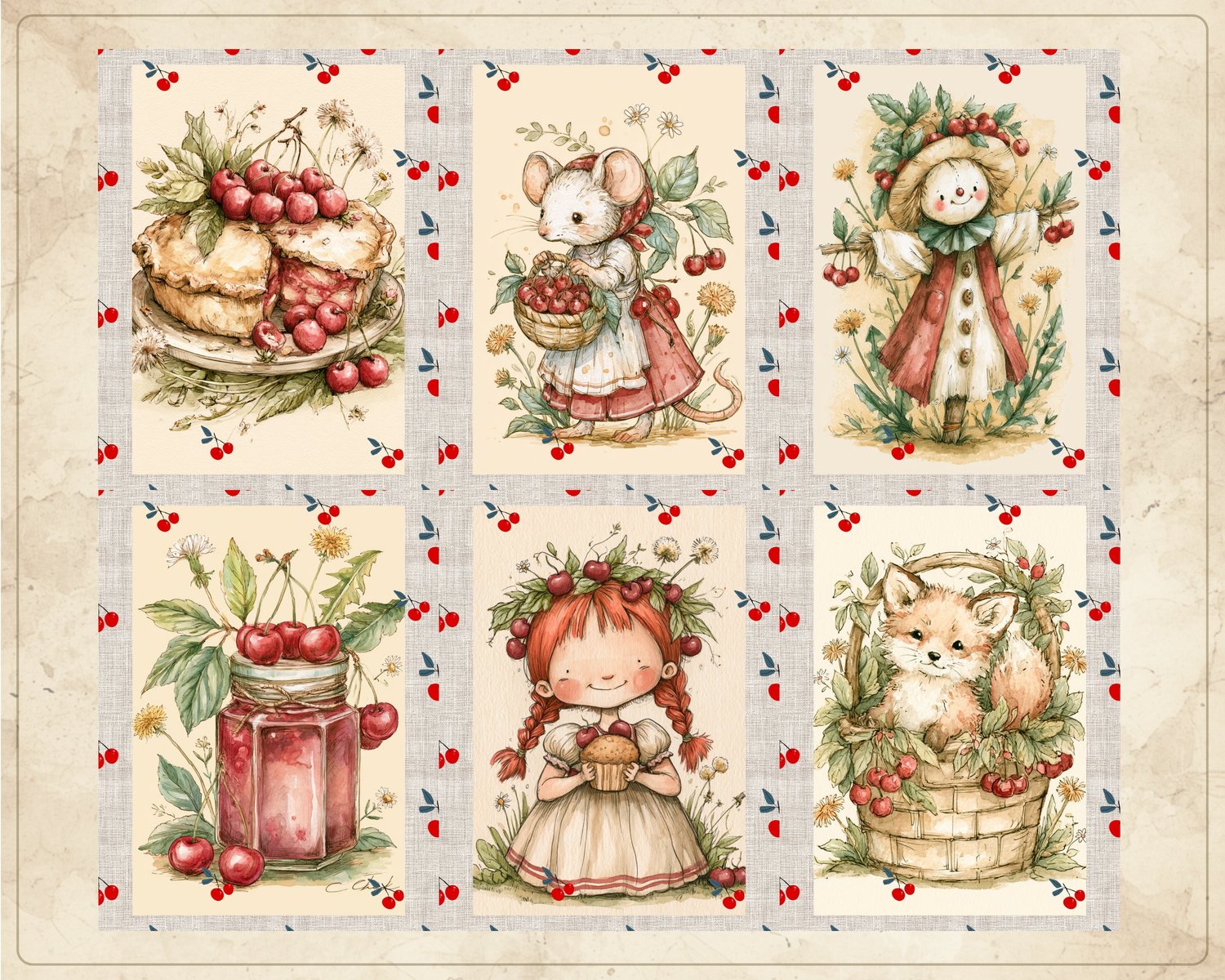
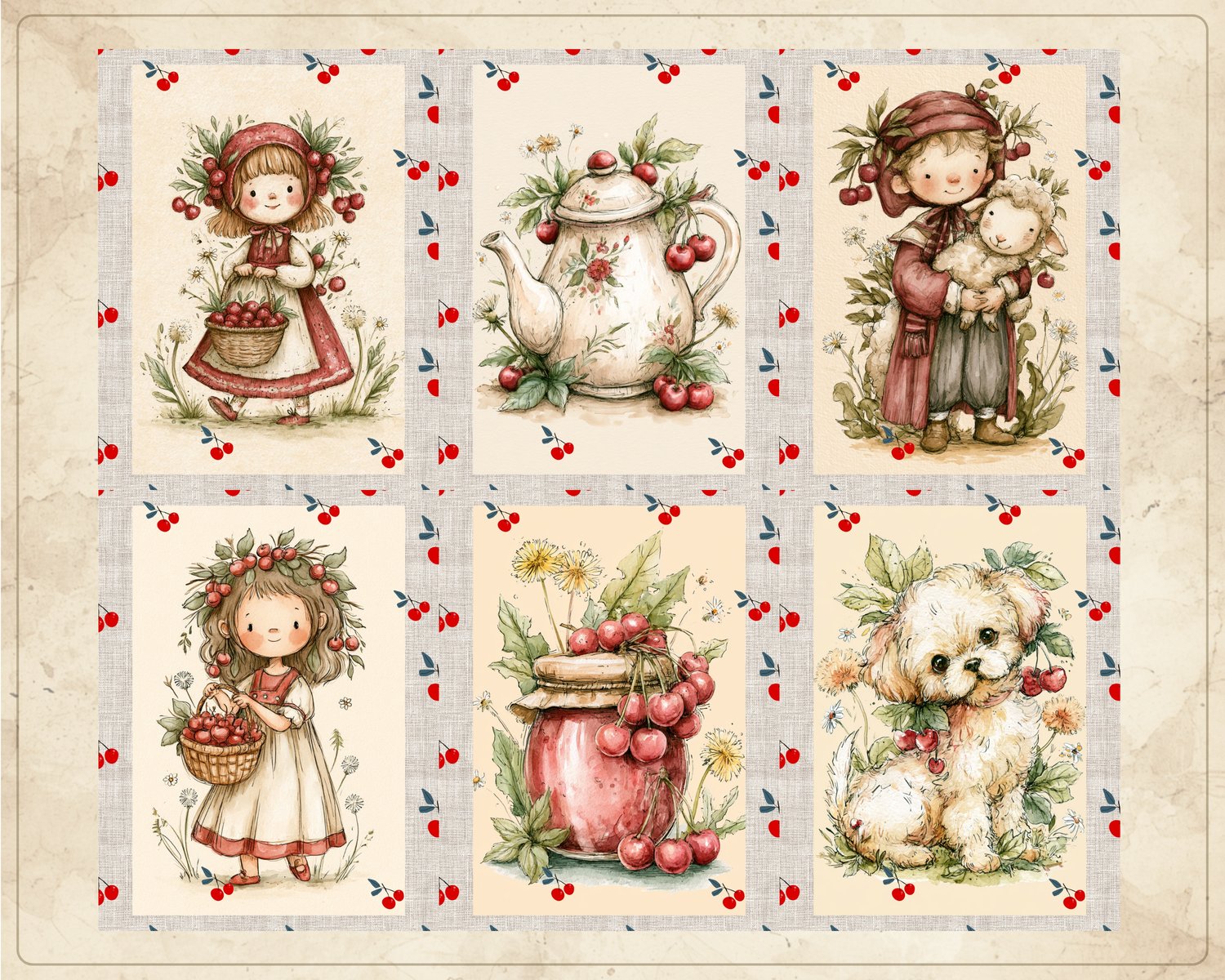
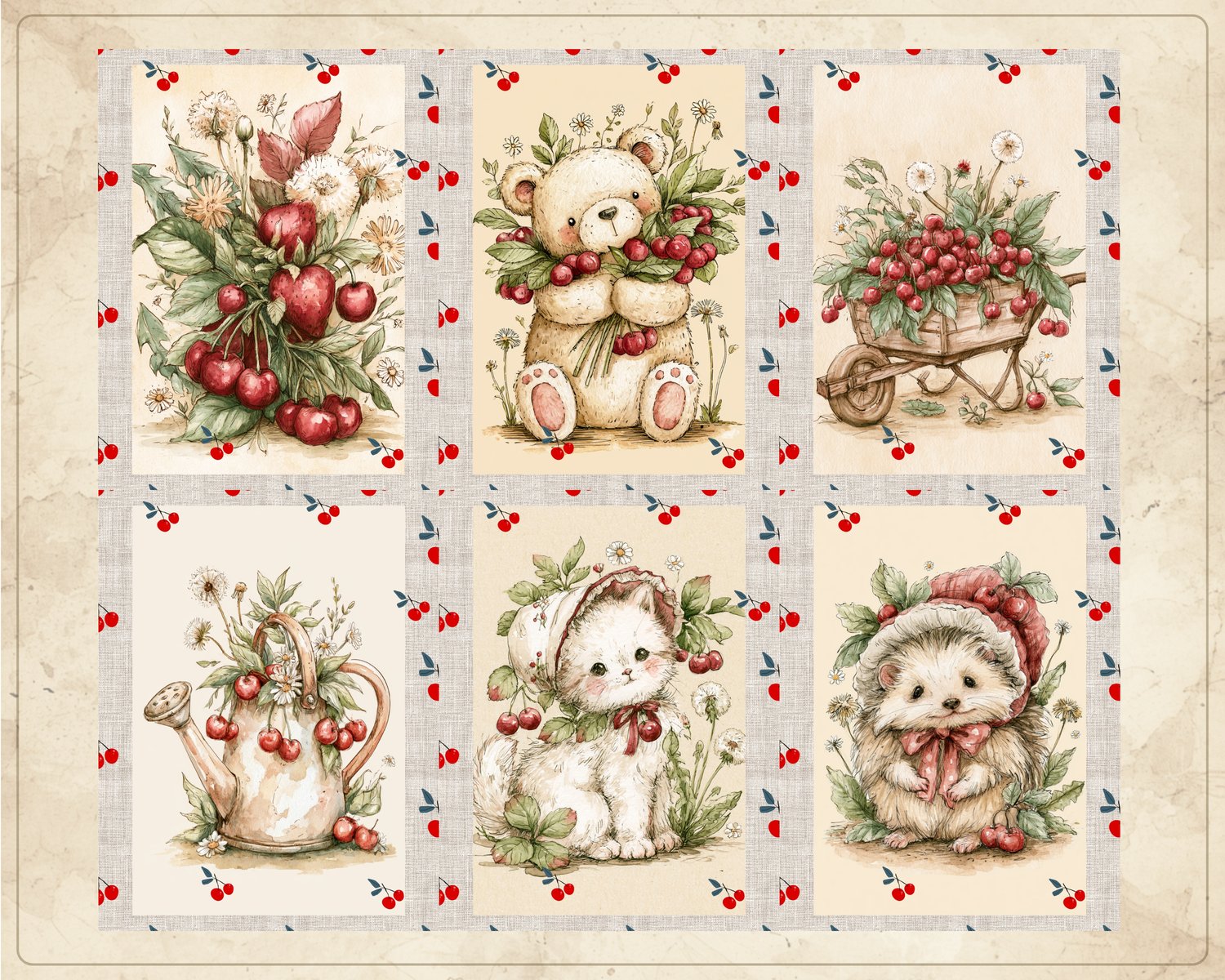
Charming Cherry Season Mini Journal Pages is a collection of 30 printable pages featuring adorable animals and children celebrating summer and cherry season in a whimsical vintage style.
Charming Cherry Season Mini Journal Pages
Celebrate the sweetness of summer with this collection of Charming Cherry Season Mini Journal Pages. Filled with cheerful scenes of children and adorable animals picking cherries, enjoying sunny days, and celebrating the cherry harvest, these pages bring warmth and nostalgia to your creative projects.
Sized at 5 × 7 inches, these mini journal pages are perfect for small journals, scrapbooks, ephemera projects, and handmade keepsakes.
What's Included
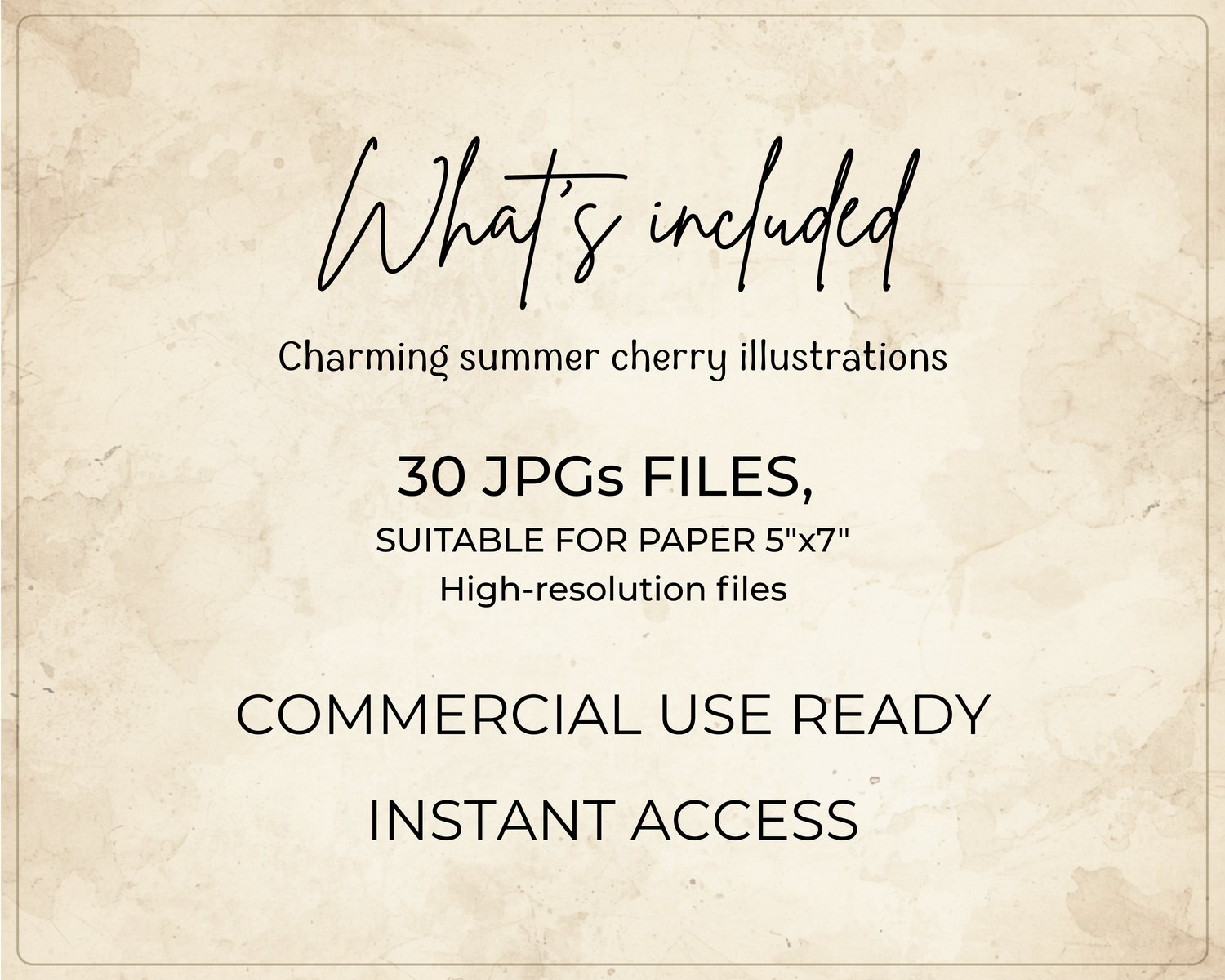
• 30 Mini Journal Pages
• JPG format
• Page size: 5 × 7 inches
• High-resolution files
• Print-ready format
• Instant digital download
Perfect For
• Junk Journaling
• Scrapbooking
• Mini Journals
• Ephemera Projects
• Memory Books
• Collage Art
• Handmade Cards
• Summer-Themed Crafts
• Paper Crafts
• Creative Journaling
Download Information
Your files will be available instantly after purchase through Payhip.
Download instantly, print at home, and start creating right away.
Important Information
• Digital product only
• No physical item will be shipped
• Colors may vary slightly depending on monitor and printer settings
• Files are delivered exactly as described
• Original files may not be redistributed, shared, or resold
License
You may use these files for personal and small business projects.
You may create physical handmade products using these designs.
You may not redistribute, resell, share, or upload the original digital files.
Need Help?
If you have any questions about your purchase, feel free to get in touch.
We're happy to help.
💡 How to Open ZIP Files
.: For Windows
Download the ZIP file to your computer.
Right-click the ZIP file.
Select "Extract All...".
Choose a destination folder and click "Extract".
Your files will be ready to use in the extracted folder.
.: For iPhone & iPad (iOS)
Download the ZIP file to the Files app.
Open the Files app and locate the downloaded ZIP file.
Tap the ZIP file once.
iOS will automatically create a new folder containing all extracted files.
Open the folder to access your files.